
Summary
Full Transcript
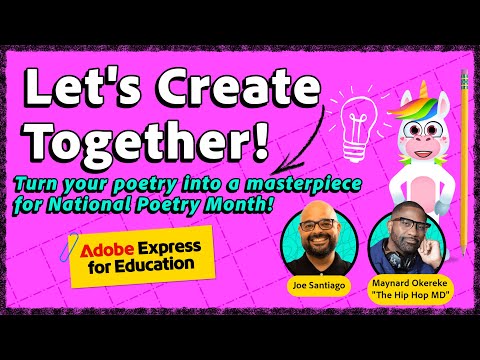
Transform your poetry into a stunning work of art! We'll show you how to bring your words to life using creative elements like font choices, color palettes, animations, and more. PLUS, explore our brand new Discover how to make your poems stand out by combining impactful design with poetic expression, giving your work a whole new level of creative magic. Join the Adobe Live Discord: https://discord.gg/p48UBK3nX2 Maynard Okereke, the Hip Hop M.D., is an award-winning science communicator and Civil Engineering graduate from the University of Washington. Known for his work on Netflix’s *Ada Twist Scientist*, The Science Channel, and Curiosity Stream, he uses his unique background in engineering, acting, business, and music to engage and inspire minorities and youth in STEM. As a professional speaker and entrepreneur, Maynard has collaborated with top companies like Microsoft and 3M, while his social media content mixes humor and education to make science more accessible. He aims to break stereotypes of scientists and inspire the next generation of STEM leaders: https://www.instagram.com/hiphopscienceshow Joe Santiago is an Education Community Program Manager at Adobe: http://www.instagram.com/joesantiagoedu Subscribe to the Adobe Live YT Channel: https://bit.ly/adobeliveyoutube Try out Adobe Express NOW: https://adobe.ly/tryAdobeExpress Subscribe to Adobe’s Podcast: https://adobe.ly/inthemaking ---- Join us LIVE on Behance: https://www.behance.net/adobelive Music by Chillhop Music: https://chillhop.ffm.to/creatorcred 00:00 Start 01:00 Intro of Maynard 05:00 Work begins in Adobe Express 08:00 Youth Funded Conservation 11:00 Editing text + choosing fonts 19:30 Experimenting with color + exploring visual assets 27:00 Exploring color themes 29:30 Cropping assets 35:30 experimenting with animation 38:00 New features in Express + Recording yourself 42:45 POETRY TIME 49:20 How to Publish and Share!

Continue this lesson in the app
Install CourseHive on Android or iOS to keep learning while you move.




