Summary
Keywords
Full Transcript
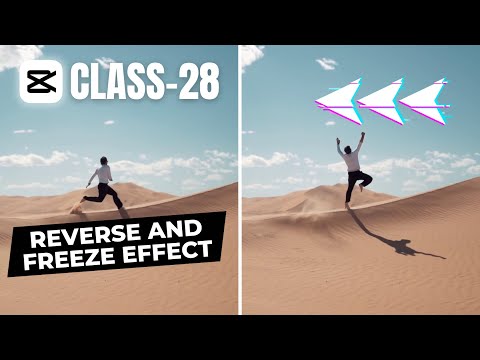
In this video, we will show you how to use the reverse and freeze frame effects in CapCut PC to create stunning videos. These effects are easy to apply and can make a big difference in your video editing. You will learn how to split, copy, paste, reverse, and freeze your clips in CapCut PC. You will also learn how to use speed ramping to add more dynamism to your videos. By the end of this video, you will be able to create amazing cinematic videos with CapCut PC. UAM Tech Streamstrat Tongbos_En Primal video Joris Hermans FlyEnri Luka B 🔗 Download CapCut Pro: https://bit.ly/samcapcutpro If you enjoyed this video, please give it a thumbs up and share it with your friends. Also, don't forget to subscribe to our channel for more creative suit tutorials. We upload new videos every week, so stay tuned for our next video. Thank you for watching and have a great day! #CapCutPC #CinematicVideos #ReverseEffect #FreezeFrameEffect #VideoEditing #CreativeSuitTutorials #rewindeffect #rewindframe #videoediting #protips #capcut #capcutpc

Continue this lesson in the app
Install CourseHive on Android or iOS to keep learning while you move.