
Summary
Keywords
Full Transcript
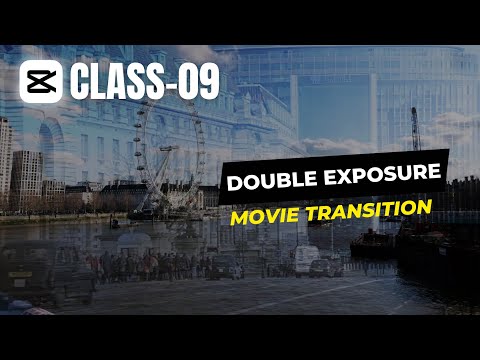
🔗 Activate CapCut Pro: https://bit.ly/samcapcutpro Welcome to Creative Suite Tutorials Episode 9! In this video, I will show you how to create a stunning double exposure effect in video using Capcut. This effect is a great way to add a creative and artistic touch to your videos. To create a double exposure effect, you will need two pieces of footage: one for the subject and one for the background. The background footage should be something that you want to show through the subject. For example, you could use a cityscape, a forest, or even a simple color gradient. Once you have your two pieces of footage, follow these steps: -Import the footage into Capcut. -Place the subject footage on the bottom layer and the background footage on the top layer. -Change the blend mode of the top layer to "screen" or "Hard light" -Adjust the opacity of the top layer until you get the desired effect. -Export your video. Hashtags: #doubleexposure #capcut #videoediting #tutorial #creative #artistic #movieeffect #videoeffects #videoart #videoeditingtips

Continue this lesson in the app
Install CourseHive on Android or iOS to keep learning while you move.





![SEO Course [2026 Updated]](https://i.ytimg.com/vi/HeeUHugrG5U/hqdefault.jpg)