👉 Want to support the channel?
☕ Grab my FreeCAD Mini-Course – like buying me a coffee, but you also get a full project you can keep forever.
🔗https://learn3dcad.com/freecad-course-phone-stand/
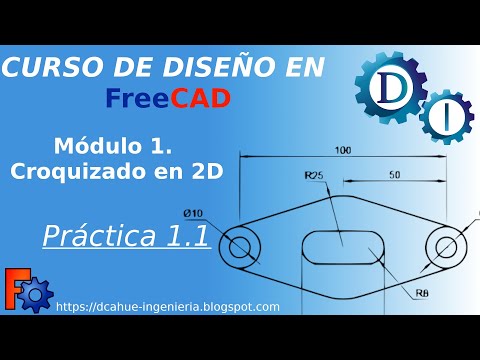
In this FreeCAD tutorial, I will show you how to create a mirror copy of geometry in a sketch. You’ll learn step by step how to mirror elements across a symmetry axis, what constraints are transferred, and the advantages and disadvantages of using this method in your 2D sketches.
FreeCAD is a completely free 3D modeling program perfect for creating models for 3D printing or collaboration with other CAD-CAM systems.
Continue this lesson in the app
Install CourseHive on Android or iOS to keep learning while you move.