Summary
Keywords
Full Transcript
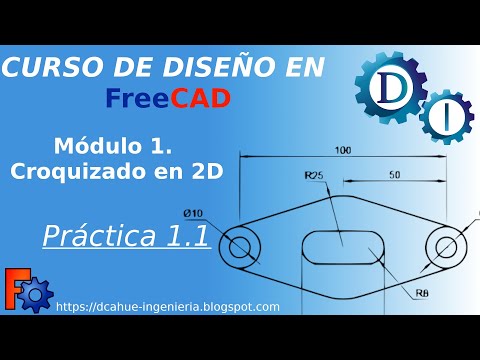
👉 Want to support the channel? ☕ Grab my FreeCAD Mini-Course – like buying me a coffee, but you also get a full project you can keep forever. 🔗https://learn3dcad.com/freecad-course-phone-stand/ Devices for smooth navigation and more convenient work. https://3dconnexion.com/?ref=njuyy2r This is an affiliate link (no extra cost to you). Using this link helps the channel. In this video, I’ll guide you through the fundamental operations for creating 3D solids in FreeCAD, perfect for beginners. We’ll model a simple part from a 2D drawing using essential tools like: - Pad (Extrude) - Pocket (Cut) - Sketching on faces - Fillet tool You’ll learn how to: - Create and dimension sketches - Link geometry to the origin - Extrude sketches into 3D solids - Cut material with pockets - Add a hole that goes through the part - Apply fillets to edges 🎯 Whether you’re just starting with FreeCAD or refreshing your skills, this step-by-step tutorial will help you understand the basics of 3D parametric modeling. 👉 Don’t forget to subscribe so you won’t miss future tutorials! ☕ Want to support my work? Treat me to a virtual coffee – Thanks for watching, and happy modeling with FreeCAD!

Continue this lesson in the app
Install CourseHive on Android or iOS to keep learning while you move.