
Summary
Keywords
Full Transcript
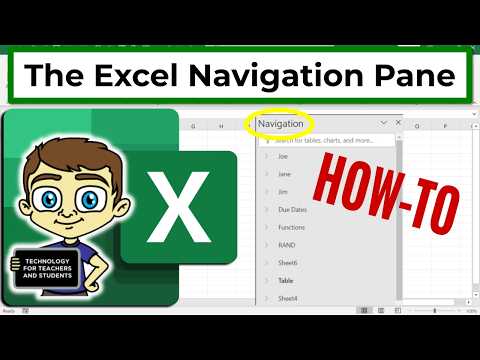
Learn how to maximize your worksheet navigation efficiency with the Excel Navigation Pane, a powerful tool that serves as a table of contents for your spreadsheets. This feature allows for quick access to any worksheet, making it effortless to navigate through your spreadsheets. By utilizing the Navigation Pane, you can significantly reduce the time spent searching for specific worksheets, and instead, focus on getting work done. In this video, we'll share expert navigation pane tips and best practices to help you navigate quickly and easily, making you a master of worksheet skills. Discover how to make the most out of this user-friendly feature and take your spreadsheet management to the next level. Join this channel to get access to perks: https://www.youtube.com/channel/UCYUPLUCkMiUgiyVuluCc7tQ/join ***Consider supporting Technology for Teachers and Students on Patreon***: https://www.patreon.com/technologyforteachersandstudents Here's my entire playlist of Excel tutorials: HTTP://bit.ly/tech4excel Please say "Thanks" by clicking the Thanks button below the video. Here is the practice file for this video: https://bit.ly/excelfoodsales #excel #exceltutorials #microsoft365 #microsoftexcel #microsoft

Continue this lesson in the app
Install CourseHive on Android or iOS to keep learning while you move.




