
Summary
Keywords
Full Transcript
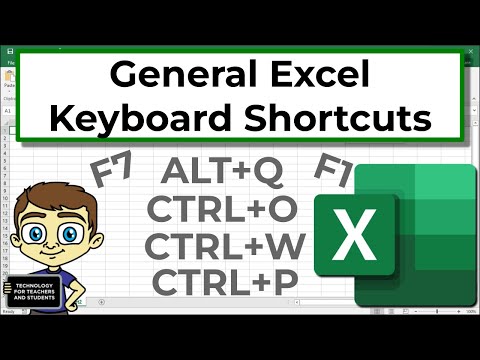
Learn the general keyboard shortcuts that will get you started using Excel effectively. These include how to quickly open and close an Excel spreadsheet, how to quick save, print shortcuts, quick access to spell check and Excel help, and quick access to the "Tell me" field. Great for beginners, this video also will have a couple of new tips for experienced users. ***Support Technology for Teachers and Students on Patreon***: https://www.patreon.com/technologyforteachersandstudents Here's my entire playlist of Excel tutorials: http://bit.ly/tech4excel Consider saying "Thanks" by clicking the Thanks button below the video. Here's a link to the practice file for this video: https://bit.ly/excelgeneral #excel #exceltutorials #microsoft365

Continue this lesson in the app
Install CourseHive on Android or iOS to keep learning while you move.





