
Summary
Keywords
Full Transcript
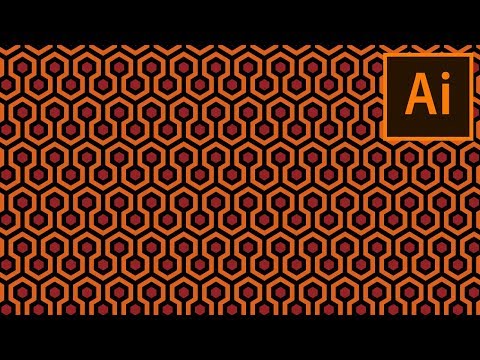
Learn how to create the trippy carpet pattern from Stanley Kubrick’s The Shining in Adobe Illustrator with this quick tutorial. We'll be using some “old-school” techniques, which involve the careful handling of the Rectangle Tool combined with the power of the Pixel Grid. Let’s get started! Don’t forget you can always find new jaw-dropping patterns over at Envato Element: https://elements.envato.com/graphics/patterns?utm_campaign=yt_tutsplus_EAjnjP_BdwM&utm_medium=referral&utm_source=youtube.com&utm_content=description Find out more with the complete written tutorial at Envato Tuts+: https://design.tutsplus.com/tutorials/how-to-create-the-carpet-pattern-from-the-shining--cms-27364?utm_campaign=yt_tutsplus_EAjnjP_BdwM&utm_medium=referral&utm_source=youtube.com&utm_content=description

Continue this lesson in the app
Install CourseHive on Android or iOS to keep learning while you move.




