
Unlock Mastery in UI Design: Dive into Apps, Animations, and Advanced Prototyping with Figma! Elevate your skills from beginner to pro and bring your creative visions to life with interactive and responsive design techniques.
5.0(1)
21 learners
What you'll learn
Design user-friendly UI layouts using Figma for various types of apps
Create interactive prototypes and animations to enhance user experience
Implement advanced design techniques like auto-layouts and responsive components
Utilize design systems and developer handoff processes efficiently in UI/UX projects
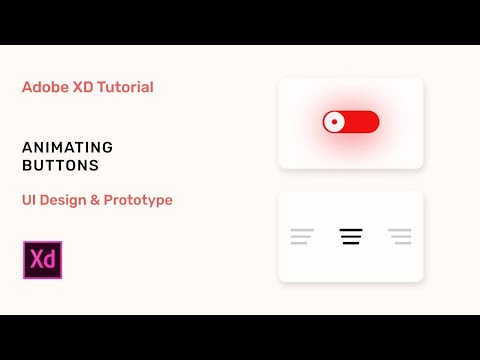
Hello everyone, follow this tutorial to create a beautiful animating buttons in Adobe XD.
If you guys find any of the discussed sessions difficult to follow or not working as expected, comment below and I am happy to help. If you find this video helpful, kindly subscribe and share it with your friends.
The project file to follow this tutorial along is provided in the link:
https://drive.google.com/file/d/1QUwpF0XDVGCW6-eDdPt841S1DfZdpBg7/view?usp=sharing
💡 My Portfolio: https://www.behance.net/hamadtanveer
.......................................................................................................
▶ Be my friend:
Insta: https://www.instagram.com/heyy_hamad
Website: https://t.ly/Ha5d
#AdobeXD #UIDesign #UX #AdobeXD #Design #autoanimate #buttons
LIKE, SHARE, COMMENT & SUBSCRIBE :)

Continue this lesson in the app
Install CourseHive on Android or iOS to keep learning while you move.

FAQs
We curate free YouTube courses, organized by category and language — and make it easy for you to track your learning progress.
Yes. Free courses are embedded YouTube videos.
Currently available in English — with Portuguese, Spanish, French, German, and Italian coming soon.
Check ratings, reviews, duration, and description.
All courses include a certificate of participation.
Yes, an account lets you track progress, earn certificates, and save favorites.
We auto-save your watch position so you can resume on any device.
