AutoCAD Tutorials for Beginners (Step By Step) - 3-16 Dynamic input and quick object modification (AutoCAD 2023)
4.0(1)
18 learners
What you'll learn
This course includes
5 hours of video
Certificate of completion
Access on mobile and TV
Summary
Full Transcript
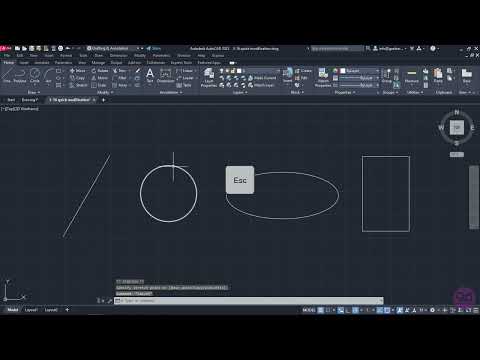
The messages that appear near the cursor when a command is in progress, the value fields that appear when we are creating basic shapes and the list with commands that appears if we type the initials of a command in the drawing area, are all the result of “Dynamic Input”. To understand how dynamic input works and how you can easily change a dimension of a shape, when the “Dynamic Input” is active, certain examples are shown in the video.
Continue this lesson in the app
Install CourseHive on Android or iOS to keep learning while you move.