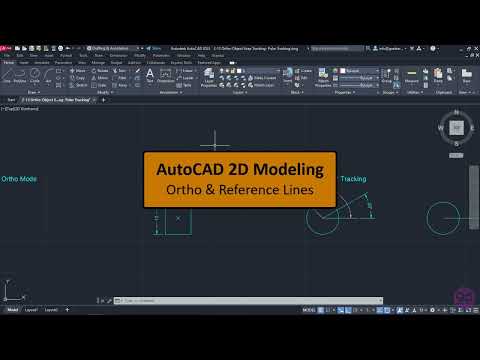
AutoCAD Tutorials for Beginners (Step By Step) - 2-14 Adjusting the drawing environment, Ortho and Reference lines (AutoCAD 2023)
4.0(1)
18 learners
What you'll learn
This course includes
5 hours of video
Certificate of completion
Access on mobile and TV
Summary
Full Transcript
In this video you will learn how to use the “Ortho tool”, which restricts the cursor orthogonally, the “Object snap tracking” tool, which tracks the cursor along vertical and horizontal alignment paths from object snap points (a.k.a reference lines) and the “Polar tracking” tool, which tracks the cursor along specified polar angles. All these tools are extremely useful tools, and they help you draw quickly with precision.
Continue this lesson in the app
Install CourseHive on Android or iOS to keep learning while you move.