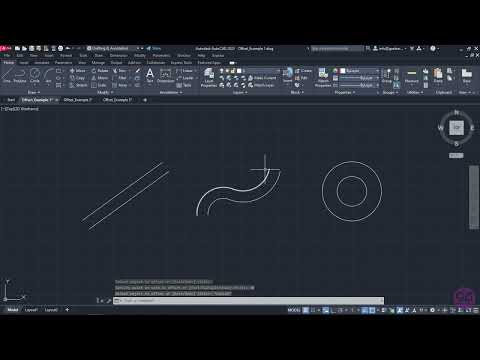
AutoCAD Tutorials for Beginners (Step By Step) - 3-12 How to Offset objects in AutoCAD (AutoCAD 2023)
4.0(1)
18 learners
What you'll learn
This course includes
5 hours of video
Certificate of completion
Access on mobile and TV
Summary
Full Transcript
In this video you will learn how to activate and use the “Offset” tool, which allows you to create a new object whose shape is parallel to the shape of a selected object, in the desired side of the original object.
Continue this lesson in the app
Install CourseHive on Android or iOS to keep learning while you move.