
Summary
Keywords
Full Transcript
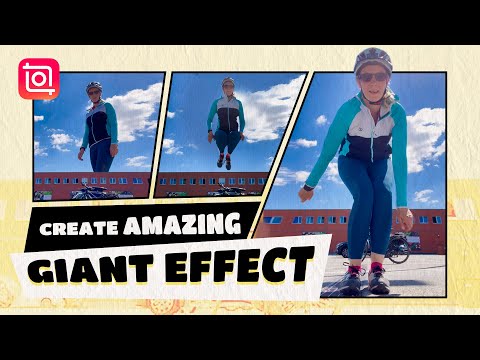
Today we will show you how to easily create this trending giant effect in InShot. We will use the mask and keyframe tools. Follow these steps and you'll figure it out: Step 1 Record the building and you jumping in front of it -Record the building by itself -Then jump in front of the camera Step 2 Create a giant effect with PIP & mask tool -Freeze when there's only building in the video -Delete other parts and keep only the clip of the building -Add your video again in PIP -Mask the body part in front of the building Get InShot latest version on iOS & Android: 👉https://inshotapp.page.link/YouTube Follow us on Instagram: https://www.instagram.com/inshot.app/ Follow us on TikTok: https://www.tiktok.com/@inshotapp.official #inshot #editingtutorial #mask #reelsinstagram

Continue this lesson in the app
Install CourseHive on Android or iOS to keep learning while you move.

