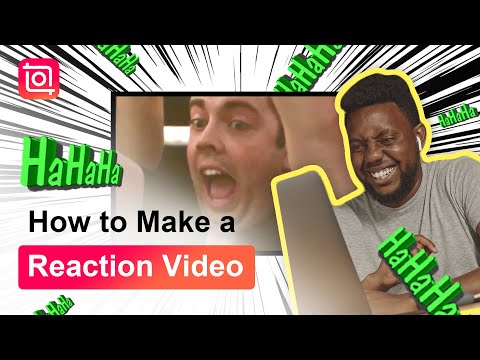
Today we will show you how to make a reaction video with funny GIF stickers and hilarious sound effects. Try searching for the GIFs you want in InShot😆They are the key to highlight your video!
Three simple steps:
1. Import a watchful video and add your reaction as a PIP
2. Add funny stickers from Giphy
3. Add some sound effects
Download InShot🍎iOS & 🤖Google Play: https://inshotapp.page.link/YouTube
Don't forget to Like, Share, Subscribe, and Hit the 🔔Notification Bell
Music: Dancing In The Moonlight
Artist: Jeff Kaale
#videoediting #reaction #inshot
Continue this lesson in the app
Install CourseHive on Android or iOS to keep learning while you move.
FAQs
We curate free YouTube courses, organized by category and language — and make it easy for you to track your learning progress.
Yes. Free courses are embedded YouTube videos.
Currently available in English — with Portuguese, Spanish, French, German, and Italian coming soon.
Check ratings, reviews, duration, and description.
All courses include a certificate of participation.
Yes, an account lets you track progress, earn certificates, and save favorites.
We auto-save your watch position so you can resume on any device.