
Summary
Keywords
Full Transcript
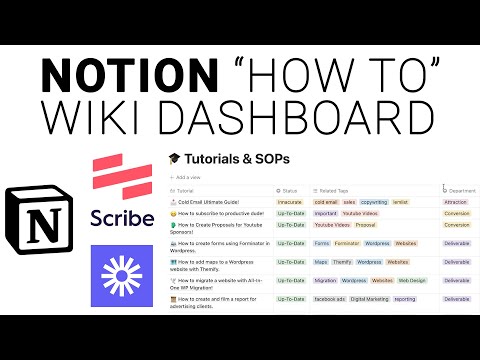
Hey there, productive people! In today's Notion tutorial we dive into a very neat type of database. This database is used as a wiki to store all of my tutorials for my agency! This is great for small teams or personal use that way you don't have to repeat yourself on simple tasks, or in the case you forget how to do something, the tutorials are there that you created in the past. Using the ultimate Scribe and Loom combo you are able to organize your "How-To" wiki very easily with simple step-by-step tutorials! Links: Get Scribe here https://scribe.how/3s8lgH4 Check out Loom https://loom.com Notion Forms https://notionforms.io Chapters: 0:00 - Introduction 0:50 - The Wiki in Practice 4:20 - Building the Database 8:15 - Using Scribe to Create Tutorials 12:00 - Using Loom to Create Tutorials 15:14 - How to Utilize Your Dashboard 17:21 - How to Create a Tutorial Request Form 21:27 - Outro #Scribe #Notion

Continue this lesson in the app
Install CourseHive on Android or iOS to keep learning while you move.




![SEO Course [2026 Updated]](https://i.ytimg.com/vi/HeeUHugrG5U/hqdefault.jpg)
