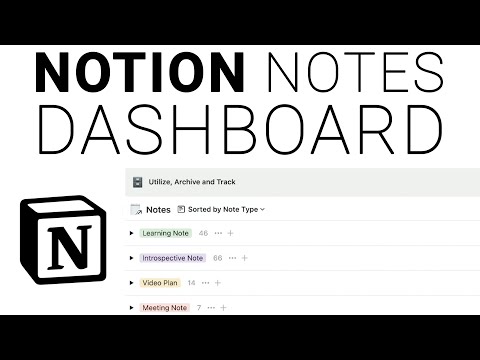
Hey there, productive people! In today's video I am back on Notion teaching you how to take and organize notes in Notion. I walk you through one of the most effective notes dashboards I have ever built and I show YOU how to build it too! This Notion tutorial will be great for anyone who wants to get more organized with their note taking! I hope you enjoy.
Website for Form:
notionforms.io
Chapters:
0:00 - The BEST Way to Take Notes on Notion
0:48 - How to Use This Notes Dashboard
5:12 - Building Your Notes Database
11:56 - Turning Your Database Into a Dashboard
13:55 - Sorting Your Note Entries
14:56 - Organizing Your Note Archives
16:42 - Adding the Note Capture Form
24:13 - Outro
Continue this lesson in the app
Install CourseHive on Android or iOS to keep learning while you move.