
Summary
Keywords
Full Transcript
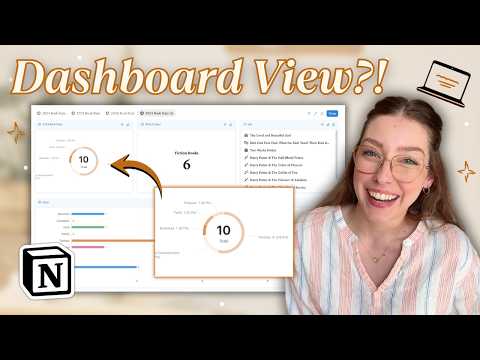
If you love a good dashboard, you’re going to be obsessed with the Notion database dashboard view. In this video, I’ll show you how this new view works, how to set up widgets that pull from multiple databases into one view, and the pros + cons so you can use it best in your workspace! Get my FREE Goal Planning Notion Template! https://katwaugh.myflodesk.com/goal-planning Want my exact Notion setup already done-for-you? Grab it here! https://katwaugh.com/shop Want to deep dive even further into Notion? Take my Notion classes here! https://katwaugh.com/courses 00:00 What is the Dashboard View? 01:48 How to Create a Dashboard 02:17 Add Dashboard Widgets 03:40 Dashboard View Settings & Filters 05:17 Additional Examples 06:36 Pros + Cons Like the layout of my video? Try Tella FREE for 7 days & get 20% off your subscription for 3 months: https://tella.tv/?via=kat Let's be friends! IG: https://www.instagram.com/itskatwaugh/ TikTok: https://www.tiktok.com/@itskatwaugh Disclosure: The links above may contain affiliate links, so I may earn a small commission when you make a purchase at no additional cost to you. This video is not sponsored.

Continue this lesson in the app
Install CourseHive on Android or iOS to keep learning while you move.




