
Summary
Keywords
Full Transcript
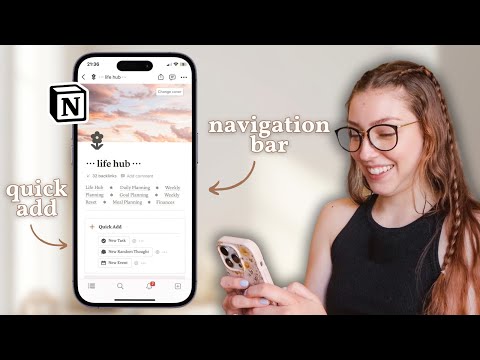
I cracked the Notion Mobile App code… (open for more! ⇣) Want to make Notion your go-to tool, but struggle to use the mobile app? I’ll give you a hint: it’s all about navigation! I’m sharing my top tips and tricks for using the Notion mobile app with EASE. Chapters: 00:00: Intro 01:01: Navigation Bar 03:57: Swiping Through Pages 05:18: Quick Add Section 06:44: Mobile Friendly Layouts 08:10: iOS Widgets 08:43: Favorited Pages Grab my Notion Setup ⤵️ https://katwaugh.com/the-productivity-planner Feeling overwhelmed? Grab my FREE Life Audit Template: https://katwaugh.myflodesk.com/life-audit-template Let's be friends! IG: https://www.instagram.com/itskatwaugh/ TikTok: https://www.tiktok.com/@itskatwaugh Disclosure: The links above may contain affiliate links, so I may earn a small commission when you make a purchase at no additional cost to you. This video is not sponsored.

Continue this lesson in the app
Install CourseHive on Android or iOS to keep learning while you move.





