
Summary
Keywords
Full Transcript
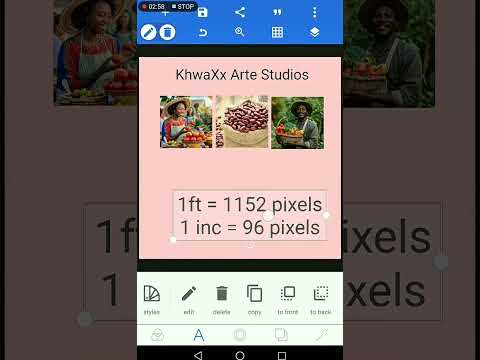
We’ve officially completed the basics! In today’s lesson, we wrap up our Introduction to Graphic Design by exploring the last fundamental tool in PixelLab — Shape Tools. Understanding shapes is key to building structure, balance, and visual flow in your designs, even when working on a smartphone. From creating layout blocks, icons, badges, highlights, borders, and visual accents — shapes help bring your ideas to life. Now that Typography, Templates, Interface Tools, Text Tools, and Shape Tools are done… 🔥 Get ready for the next level! Coming up soon on the channel: ✨ Background manipulation ✨ How to download & install fonts ✨ How to use mockups professionally ✨ Apps to enhance your designs ✨ Building your design brand ✨ How to get clients + business of graphic design ✨ Collaborations and lessons with other creative experts This journey is just beginning — and you’re learning everything using only your smartphone. 📱🔥 o📱 Follow my creative journey for more design inspiration: Instagram: https://www.instagram.com/khwaxxarte?igsh=MWQ1bTVnNDVtbXExdg== Behance: https://www.behance.net/khwaxxmw Facebook: https://www.faceook.com/profile.php?id=100067501278556 LinkedIn: https://www.linkedin.com/in/trevor-khwalala-55a5a6292/ Twitter: https://twitter.com/khwaxxArte?t=tgpZ8hTqg3i58DBLbHm2A&s=09 👍 Like, comment, and subscribe so you don’t miss the next tutorial!

Continue this lesson in the app
Install CourseHive on Android or iOS to keep learning while you move.

