
Summary
Keywords
Full Transcript
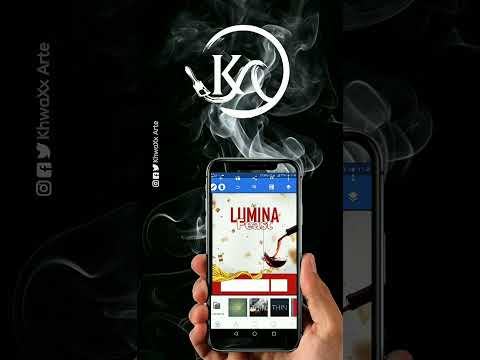
Today’s episode marks a smooth transition in our mobile graphic design journey — we finish exploring the text tools in PixelLab and officially kick off our introduction to the Shape Tools. In this video, we take typography a step further by experimenting with different text manipulation techniques that make your designs more communicative, expressive, and alive. You’ll learn how to stretch, bend, transform, and style text in ways that help your graphics speak clearly and creatively. Then, we shift gears into the Shape Tools, the next essential building block of layout design. From boxes and circles to custom shapes, you’ll see how shapes guide structure, balance, and visual hierarchy in any professional layout — even when designing from your phone. If you're building your skills one step at a time, this episode is a must-watch. Let’s elevate your designs together — one tool at a time. 💬 Got questions about PixelLab text tools or shapes? Leave them in the comments — I’ll be responding! o📱 Follow my creative journey for more design inspiration: Instagram: https://www.instagram.com/khwaxxarte?igsh=MWQ1bTVnNDVtbXExdg== Behance: https://www.behance.net/khwaxxmw Facebook: https://www.faceook.com/profile.php?id=100067501278556 LinkedIn: https://www.linkedin.com/in/trevor-khwalala-55a5a6292/ Twitter: https://twitter.com/khwaxxArte?t=tgpZ8hTqg3i58DBLbHm2A&s=09

Continue this lesson in the app
Install CourseHive on Android or iOS to keep learning while you move.

