Summary
Keywords
Full Transcript
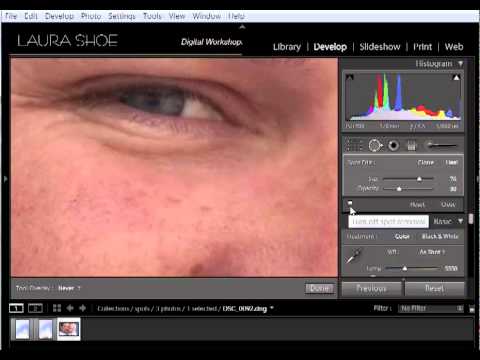
Here's a more recent version of this video, for Lightroom 5, 6 and CC: https://www.youtube.com/watch?v=aKkFFCB6ydA&t=0s Laura Shoe demonstrates Lightroom's spot removal tool in heal and clone mode to remove spots and objects, and to reduce the appearance of circles under eyes and wrinkles. This video is part of her Lightroom Fundamentals & Beyond Workshop on DVD series -- available at www.laurashoe.com ======================= Lightroom 3, 4 & 5 Workshops on Video Laura's complete Lightroom 5 series: "The Fundamentals & Beyond" and "Producing Great Output" Over 24 hours and 120+ videos. http://laurashoe.com/lightroom-video-tutorial-training-dvd/ ======================= Laura Shoe http://www.laurashoe.com Blogger, Author, Instructor Adobe Community Professional Adobe Certified Expert in Photoshop Lightroom ======================= Facebook: http://facebook.com/LauraShoeDigitalWorkshops Twitter: http://twitter.com/Lightroom_Laura Google+: https://plus.google.com/102547060928950983616 =======================

Continue this lesson in the app
Install CourseHive on Android or iOS to keep learning while you move.