
Summary
Keywords
Full Transcript
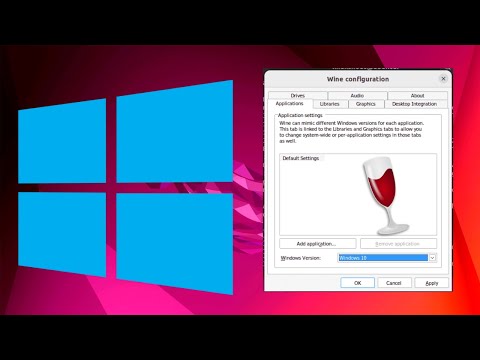
In this video we are going to see How to Install Wine on Ubuntu 20.04 LTS. Wine is a free and open-source software that allows computer programs developed for Microsoft Windows to run on Unix-like operating systems such as Linux, macOS, & BSD. Official website https://www.winehq.org/ Learn how to install Wine on Ubuntu 22.04 LTS Linux and unlock the ability to run Windows programs seamlessly on your Linux system. #Wine #Ubuntu #Linux #WindowsCompatibility Wine is a compatibility layer that allows you to run Windows applications on Linux-based operating systems like Ubuntu. With Wine, you can enjoy the flexibility of using your favorite Windows programs without the need for a separate Windows installation. In this tutorial, we will walk you through the step-by-step process of installing Wine on Ubuntu 22.04 LTS Linux: 1. Update your system: Before installing Wine, it's essential to ensure your Ubuntu system is up to date. Open the terminal and run the necessary commands to update your system's package lists. 2. Add Wine repository: Wine provides its official repository for Ubuntu users. We will guide you through the steps to add the repository to your system. 3. Install Wine: Once the repository is added, you can install Wine using the package manager. We will show you the command to run in the terminal to install the latest stable version of Wine. 4. Configure Wine: After installation, Wine may require some additional configuration. We will cover the basic configuration steps to optimize Wine for running Windows programs. 5. Run Windows programs: With Wine installed and configured, you can start running Windows programs on your Ubuntu system. We will demonstrate how to launch Windows applications using Wine. By following these steps, you can seamlessly run Windows programs on your Ubuntu 22.04 LTS Linux system using Wine. Unlock the compatibility between Windows and Linux and expand the range of software available to you. Join us in this tutorial and harness the power of Wine to enjoy Windows programs on your Ubuntu Linux system! #WineTutorial #WindowsOnLinux #UbuntuLinux #WindowsCompatibility #LinuxTips #ProgrammingKnowledge #Wine #Ubuntu #winehq

Continue this lesson in the app
Install CourseHive on Android or iOS to keep learning while you move.



![Tutorial - Curso de NGINX Desde Cero [Windows y GNU/Linux - Español]](https://i.ytimg.com/vi/eyxpLa9hUS8/hqdefault.jpg)

