
Summary
Keywords
Full Transcript
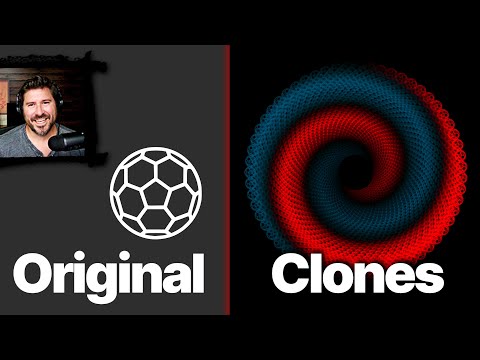
Inkscape clone tutorial, featuring beginner friendly basic techniques and one advanced project. Follow along learning the fundamentals of Inkscape in this free course with Rick Johanson. Step-by-step instruction on how to work with clones, the spray tool, path effects and the tiled clones feature. Gradient soccer ball spiral final product. 🔥 WANT THIS SVG FILE? The actual SVG file created during the production of this video is available for purchase on Gumroad. Help support the channel and download your copy today: https://ironecho.gumroad.com/l/clone_spiral 📝 LEARN THE BASICS OF INKSCAPE: SLOW Inkscape Guide for Beginners: https://www.youtube.com/watch?v=jUB6yzsgqcg 📱 What screen recorder am I using? I use Camtasia to make all my videos. From my experience it's the best screen recorder available, and I like the built in video editor and cursor effects. Check it out here: https://techsmith.z6rjha.net/ba9x0M 📱 SOCIAL MEDIA: Follow me on Twitter, X, whatever it's called: https://twitter.com/rickjohanson Check out my personal channel: https://www.youtube.com/c/RickJohanson 👕 Support the channel and SHOP for IronEcho merch: Check out the all new IronEcho Design lifestyle collection at: https://ironecho.com/ Use promo code LAUNCHPARTY to get 20% off your purchases from ironecho.com

Continue this lesson in the app
Install CourseHive on Android or iOS to keep learning while you move.




