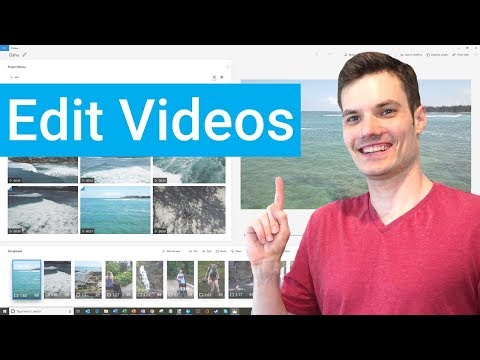
Learn how to edit videos using this free app that comes with Windows 10. In this video, I show you how to import your video, how to create a basic storyboard, how to trim and splice your videos, how to add a title, how to add music, and how to publish to YouTube. The Photos app now has video capabilities and is a strong replacement of the original Windows Movie Maker app.
Interested in what types of effects you can create using the Photos app? Watch the following video: https://youtu.be/YNLf4q-w97A
Let me know if you have any feedback. Also, let me know if there are other topics that you would like and I'll add it to my list of videos to create.
Thanks!
Continue this lesson in the app
Install CourseHive on Android or iOS to keep learning while you move.