
Summary
Keywords
Full Transcript
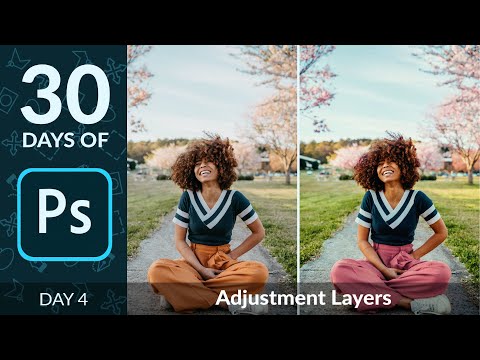
– In day 4 of 30 days of Photoshop, we show you how Adjustment Layers can change the way you work! From exposure adjustments, to color grading, to creating seamless composite images, Adjustment Layers can help us tackle a lot. Learn about all of the different types and how you can use them to enhance any photo non-destructively. Download the Sample Image & PSD: https://phlearn.com/30-days-day-4-adjustment-layers-yt00-desc Sign Up for 30 Days of Photoshop: https://phlearn.com/30-days-of-photoshop-signup VISIT PHLEARN.COM FOR MORE FREE TUTORIALS https://phlearn.com SUBSCRIBE NOW FOR MORE FREE TIPS AND TRICKS http://www.youtube.com/subscription_center?add_user=phlearnllc LET'S BE FRIENDS! Instagram ► https://www.instagram.com/phlearn/ Facebook ► https://facebook.com/phlearn Twitter ► https://twitter.com/phlearn Phlearn ► https://phlearn.com

Continue this lesson in the app
Install CourseHive on Android or iOS to keep learning while you move.

