
Summary
Keywords
Full Transcript
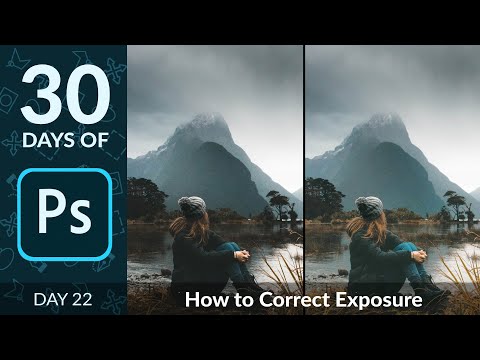
– In day 22 of 30 Days of Photoshop, Aaron teaches the valuable skill of correcting your exposure! Learn how to use a Levels Adjustment Layer paired with your Blend If Slider; the easiest way to recover information from overexposed and underexposed images. Download the Sample Image: https://phlearn.com/30-days-22-correct-exposure-yt00-description Sign Up for 30 Days of Photoshop: https://phlearn.com/30-days-of-photoshop-signup VISIT PHLEARN.COM FOR MORE FREE TUTORIALS https://phlearn.com SUBSCRIBE NOW FOR MORE FREE TIPS AND TRICKS http://www.youtube.com/subscription_center?add_user=phlearnllc LET'S BE FRIENDS! Instagram ► https://www.instagram.com/phlearn/ Facebook ► https://facebook.com/phlearn Twitter ► https://twitter.com/phlearn Phlearn ► https://phlearn.com

Continue this lesson in the app
Install CourseHive on Android or iOS to keep learning while you move.

