
Summary
Keywords
Full Transcript
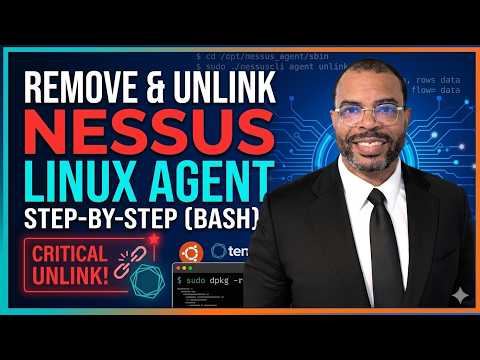
In this video, we cover the exact command-line steps required to completely uninstall a Tenable Nessus agent from an Ubuntu Linux environment. Maintaining clean environments and managing sensor lifecycles are essential practices for effective tenable vulnerability management and tenable exposure management. First, we navigate through the Tenable platform to locate the official product documentation for uninstallation. Before actually removing the software package, it is critical that you first unlink the agent from your console. We walk through locating the nessuscli tool in the /opt/nessus_agent directory and running the proper command with sudo privileges to sever the connection. We also verify in the console that the sensor count updates, confirming a successful unlink. Once safely unlinked, we use the Debian package manager command to remove the Nessus agent software from the machine. Finally, we verify the directory is empty to confirm the removal. As mentioned in the video, you can chain these specific commands together into a bash script to automate this removal process remotely across multiple machines. #TenableVulnerabilityManagement #TenableExposureManagement #NessusAgent #LinuxSecurity #Ubuntu #CyberSecurity #SysAdmin @Tenable @TenableProductEducation

Continue this lesson in the app
Install CourseHive on Android or iOS to keep learning while you move.




