
Summary
Keywords
Full Transcript
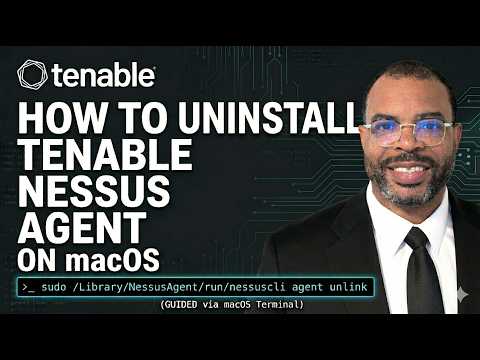
In this video, we walk through the complete process for uninstalling the Tenable Nessus Agent from macOS using the Terminal. This guide is essential for IT and cybersecurity professionals who need to manage deployments remotely or at scale across hundreds or thousands of machines. We begin by navigating the official Tenable documentation to ensure we follow the correct procedure for Darwin/macOS systems. First, we demonstrate how to unlink the agent from Tenable Vulnerability Management using the Nessus CLI to ensure your asset count is accurate. Once unlinked, we move into the actual file removal process. You will see exactly which directories in the Library need to be deleted and how to safely execute those commands. Finally, we cover how to disable the Nessus Agent service entirely using launchctl. Whether you are using a remote management tool like SentinelOne or working locally, this tutorial provides the exact commands you need to cleanly remove the agent and avoid linking errors during future reinstalls. #Tenable #NessusAgent #macOS #CyberSecurity #ITOperations #vulnerabilitymanagement @Tenable @TenableProductEducation

Continue this lesson in the app
Install CourseHive on Android or iOS to keep learning while you move.




