
Summary
Keywords
Full Transcript
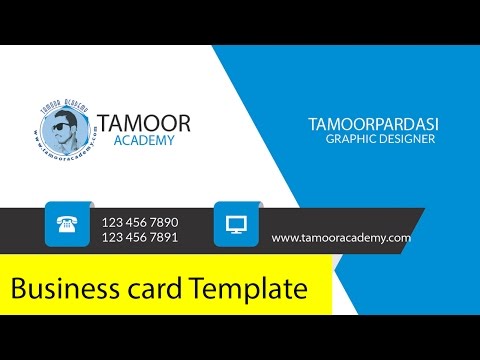
Business cards are easy to distribute and create new opportunities for your brand, so you’ll want to make one that’s creative and represents your mission. In this tutorial, you’ll learn how to create a business card using Adobe Photoshop. In Photoshop CS5, select “File” ➝ “New.” This will bring up a New File window where you’ll select the properties of your new document. Standard dimensions for a business card are 3.5″ by 2.” Set your resolution to 300, and make sure the color mode is CMYK. __/LINKS\_ ► Facebook:➜ https://www.facebook.com/tacademy/ ► Twitter:➜ https://twitter.com/tamoorpardasi ► Google+:➜ https://plus.google.com/u/1/+TamoorPardasiTAMOORGONDAL ► ================================================ __|Watch More Videos|_ ♥How To Unlock Android Pattern Lock without Losing data Urdu/Hindi Tutorial https://goo.gl/2xh588 ♥Top 10 Secret Tips before Buying Used/Second Hand Mobile Phones Urdu/Hindi Tutorial https://goo.gl/TNqcKI ♥ How To Check Samsung Mobile Parts Working Or Damage With A Secret Code Urdu/Hindi Tutorial https://goo.gl/EAiSuc ♥ Youtube Full Course https://goo.gl/c9D30t ♥ Fiverr Full Course https://goo.gl/MvRsQo ♥ Click to see all our videos https://goo.gl/v2X6A9 ♥ Subscribe to our channel: https://goo.gl/8L5QvC

Continue this lesson in the app
Install CourseHive on Android or iOS to keep learning while you move.




