
Summary
Keywords
Full Transcript
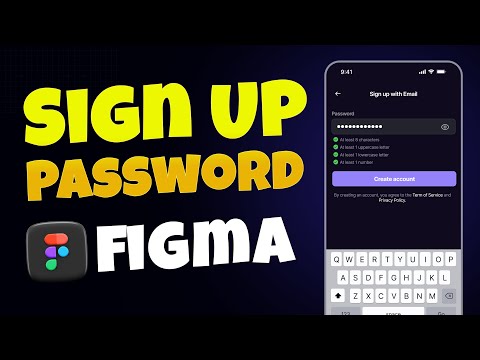
Welcome to your next step in real app design! In this beginner-friendly tutorial, we’ll guide you step-by-step through designing a clean and professional Sign Up with Password page for your mobile app using Figma. You’ll learn how to create a modern layout, align input fields like email and password, add password visibility toggles, and apply design principles that ensure your interface is clean, intuitive, and ready for real users. 🔍 In This Video, You’ll Learn: How to design a Sign Up screen with password input Adding secure input fields and visibility toggles Aligning text fields, buttons, and labels Setting up spacing, padding, and structure Typography and color tips for readability UI/UX design best practices for mobile apps 🎓 Want to Learn More? Take our Complete UI/UX Design Course on Udemy: 👉 https://www.udemy.com/course/complete-uiux-design-course-figma-ai-real-project/?referralCode=1AC2CAE903AE3CF207C9 Tools Used: Figma Skill Level: Beginner 💬 Let us know in the comments which screen you want to see next! #uiuxdesign #figmatutorial #signupwithpassword #uidesignlearning #uxdesign #figmabeginner #mobileappdesign #learnfigma #appuidesign #uidesigntutorial #figma #passwordui

Continue this lesson in the app
Install CourseHive on Android or iOS to keep learning while you move.




