
Summary
Keywords
Full Transcript
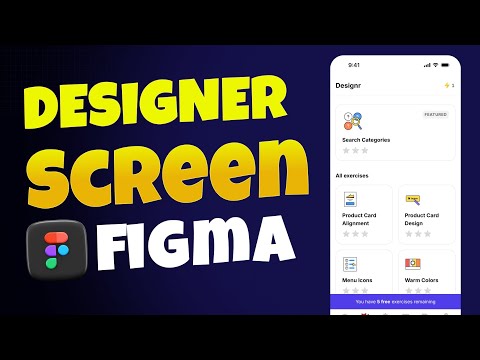
Welcome back — in this lesson we build the Explore / Designer / Leaderboard screens in Figma and finish the navigation component with variants and interactive prototype states. In this video you’ll learn how to: Create consistent navigation using components & variants (Home, Designer, Leaderboard, Saved, Profile). Build pixel-perfect product cards with Auto Layout, padding, and responsive fills. Design and refine custom icons (search, star, tag, bookmark, profile) and match fills/strokes. Use Boolean operations and corner radius tricks for unique shapes. Set up auto layout stacks, spacing, and naming conventions for scalable UI systems. Prepare an investor/developer-ready prototype flow (highlighted nav states, page linking). Why this matters: learn to produce production-ready screens and components that are consistent, reusable, and easy to hand off to developers or show to stakeholders. Part of: Become a UI/UX Designer in 2025 — Full course & project-based lessons. Enroll / Course link (if you want to include): https://www.udemy.com/course/complete-uiux-design-course-figma-ai-real-project/?referralCode=1AC2CAE903AE3CF207C9 #figma #uiuxdesign #designsystems #figmatutorial #autolayout #prototyping #icondesign

Continue this lesson in the app
Install CourseHive on Android or iOS to keep learning while you move.




![SEO Course [2026 Updated]](https://i.ytimg.com/vi/HeeUHugrG5U/hqdefault.jpg)
