
Summary
Keywords
Full Transcript
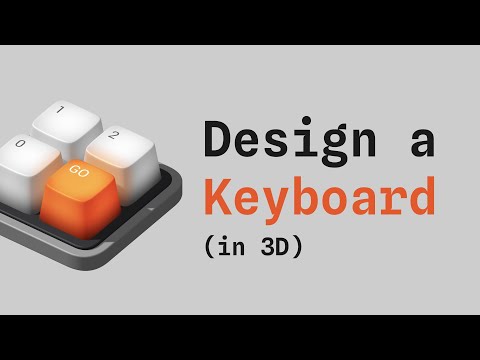
In this tutorial, you will learn how to build a 3D keyboard from scratch using modeling tools, material assets, and the Key Down/Up events. Check Spline: https://spline.design/ Spline on Instagram: https://instagram.com/splinetool/ ☀️Update: Spline has improved a lot since we made this tutorial, and now, a couple of new features will enable you to follow this tutorial much faster. 1. The new Key Press event combines the Key Up and Key Down, so you only need to define it once. 2. With the new Components feature, you can duplicate an object and maintain the interactions on the duplicate (so you only need to build one Key). Tutorial about components here: https://youtu.be/VSddFnDjPUA 0:00 Introduction 1:05 Modeling a 3D key 4:15 Adding material assets 6:10 Create the text in the keys 7:35 Creating the orange key 10:30 Making the keyboard base 13:50 Adding interaction events

Continue this lesson in the app
Install CourseHive on Android or iOS to keep learning while you move.




