
Summary
Keywords
Full Transcript
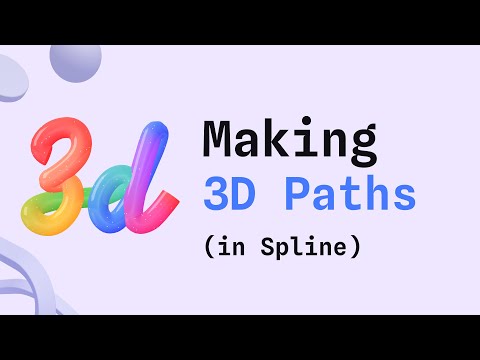
Hello! In this tutorial, you will learn how to use 3D paths in Spline to achieve many visual outcomes. You will also learn how to animate objects along a path and combine the cloner and physics with paths. Example scenes: https://app.spline.design/library?category=3D%20paths Physics scene: https://app.spline.design/file/6ed98e23-602d-40b1-b390-30222b3808cf Follow Spline: https://instagram.com/splinetool/ Learn more about 3D paths from the docs: https://docs.spline.design/2a23d8021f594f87958ee43b6f19ab14 Note: At min 34, it seems there is a fast cut, but that was basically the end of the sentence. 0:00 Introduction 0:00 Creating paths 1:45 Adding round corners 2:20 Path extrusion 3:15 Depth and offset 4:10 Angle and twist 5:47 Using custom vector shapes 8:33 Using text shapes 10:25 Using a gradient layer with paths 11:50 Animate path parameters 14:04 Animate infinite loops 15:30 Adding clones to paths 17:08 Mixing techniques 18:30 Exploring 3D handwritten styles 20:50 Exploring tube styles 21:55 Animating objects along a path 28:58 Physics and path animation 30:20 Converting 2d vectors to 3d paths 31:24 Exploring glass and matcaps in paths 32:23 Exploring neon lights effects 33:29 Complex custom shapes and styles 34:05 Using multiple offsets for different objects 34:43 Exploring candy letters with star shapes

Continue this lesson in the app
Install CourseHive on Android or iOS to keep learning while you move.




