
Summary
Full Transcript
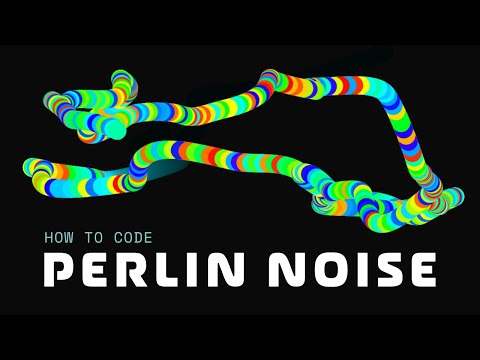
Perlin Noise is controlled randomness. Rather than canvas particles teleporting from one location to another, Perlin Noise will move your particles randomly, but with a degree of control. Each value that a Perlin Noise function returns is related to the previous value in some manner, giving off that illusion of controlled randomness. You'll see exactly what I mean as the video goes, but be sure to drop any questions you might have in the comments. Get access to over 50+ free and premium tutorials at https://chriscourses.com 📃Table of Contents 00:00 Project overview 00:58 Initial canvas setup 12:34 Download Perlin Noise library with NPM or Yarn 17:16 Whiteboard explanation of Perlin Noise 19:20 Integrate Perlin Noise with singular circle 25:26 Cool Perlin Noise drawy boi 25:52 Add multiple circles for snake-like effect 32:15 Particle galaxy effect 33:44 Colorize the canvas and snake 40:28 Add variety with radius and color changes 41:17 Outro / Intro to chriscourses.com 🔗 Links CodePen Example: https://codepen.io/chriscourses/pen/OJMYYVp @chriscourses/perlin-noise: https://www.npmjs.com/package/@chriscourses/perlin-noise Canvas Boilerplate: https://github.com/christopher4lis/canvas-boilerplate

Continue this lesson in the app
Install CourseHive on Android or iOS to keep learning while you move.





