
Summary
Keywords
Full Transcript
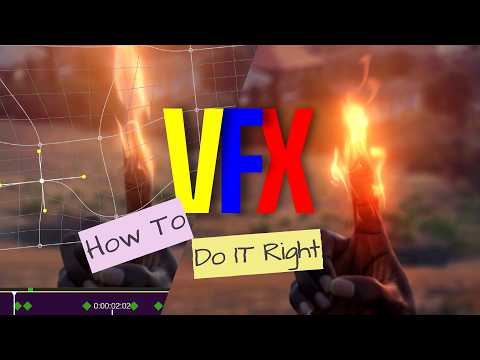
Want to learn the industry-standard workflow for compositing? In this video, I break down how professional VFX artists composite realistic Fire effects, adapted entirely for mobile using Node Video. I'll show you the exact compositing pipeline—from matching lighting to blending modes—that makes your VFX look cinematic rather than 'fake.' Whether you're an aspiring filmmaker or a mobile editor, these tips will upgrade your Node Video and VFX workflow to a professional level. In this tutorial I breakdown: - Simple cinematic color grading technique - How to track an object without jittering the footage. - 2d mesh, Distortion, Heatwave effect for realism - How to Composite fire lighting for realism - Color matching (The secret to pro VFX) Learn Everything About 2D Mesh Warp: https://youtu.be/PBCRvbbHbdc?si=PyLidiwLlYbYBh-V Learn Everything About Node video VFX App https://youtu.be/gsnGQlZySeY?si=0UwB29HZy3uiJ_n4 Hey Guys, just a heads up - If you're tired of basic editing apps, you've come to the right place. I bridge the gap between mobile convenience and Hollywood-standard CGl using Node Video- VFX App the most advanced node-based compositor for smartphone creators. Whether you're an aspiring filmmaker or a VFX Artist, I am here to show you how to get things done the professional way. #nodevideoedits #vfxcompositing #vfx #vfxartist #videoeditingtutorial #nodevideo #compositing

Continue this lesson in the app
Install CourseHive on Android or iOS to keep learning while you move.




