
Summary
Keywords
Full Transcript
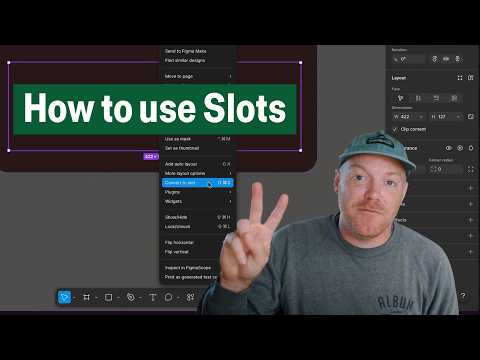
Learn how Slots unlock dynamic components instances — from adding another menu option, button, or even an icon to your instances, without detaching. Slots are great for: • Components with repeating elements, like task lists or tabs. • Components that are frequently customized, like cards or modals. • Simplifying bloated design systems by decreasing variants or hidden layers. • Reducing detaches so instances continue receiving updates from the main component. Rolling out now in open beta over the next week. Available to everyone on a full-seat. Playground file → https://www.figma.com/community/file/1610367877471727305/figma-slots-playground Learn more here → https://help.figma.com/hc/articles/38231200344599/ ____________________________________________________ Find us on ⬇️ X (formerly Twitter): https://x.com/figma Instagram: https://www.instagram.com/figma LinkedIn: https://www.linkedin.com/company/figma TikTok: https://tiktok.com/@figma Figma forum: https://forum.figma.com/

Continue this lesson in the app
Install CourseHive on Android or iOS to keep learning while you move.




