
Summary
Keywords
Full Transcript
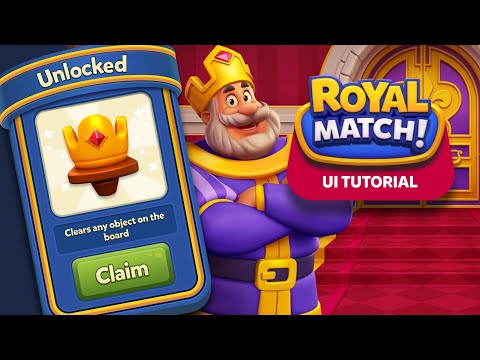
✉️ Join my UI/UX Weekly + Early Access to New UI Kits Newsletter http://eepurl.com/js5QII ☕ If you enjoy my work and want to see more, consider buying me a coffee, every bit helps keep this going! https://buymeacoffee.com/warrenwinters Join me as walkthrough the creation of the user interface in Dream Games' Royal Match. I'll aim to break down the structure of a popup, reproduce it using Figma. Timestamps: 00:00 Main Panel Creation 01:06 Golden Trim 03:39 Panel Content 05:55 Button Style 11:00 Ribbon Style 16:00 Creating Curved Text (Plugins/Manually) 19:37 Image Section & God Ray Effect 20:00 Creating Star Shapes Get access to the file https://warrenwinters.gumroad.com/l/royalematchgameuitutorial We’re building a welcoming space where ideas flow, skills grow, and connections happen. -- Copyright Disclaimer I do not own any of the art used, it is the property of Dream Games.

Continue this lesson in the app
Install CourseHive on Android or iOS to keep learning while you move.





