
Summary
Keywords
Full Transcript
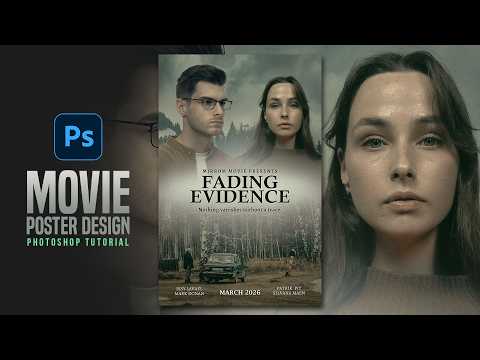
In this tutorial, we’ll create a cinematic movie poster in Photoshop no AI involved. You’ll learn how to combine different stock images, use clean masking, apply color correction and soft cinematic tones, and finish the design with simple, professional typography. _________________________________________________________________ Tutorial Resources : Man : https://bit.ly/4rHAFLt Woman : https://bit.ly/4rI9C2H Other Stocks : https://www.mirrom14.com/2026/02/Cinematic-Movie-Poster-Photoshop-Tutorial-No-AI.html ___________________________________________________________________ Follow Us : IG : https://www.instagram.com/mir_rom14/ FB : https://www.facebook.com/mirrom14 Blog : http://www.mirrom14.com/ ___________________________________________________________________ Playlists : Movie Poster : http://bit.ly/1phkZQc Poster : http://bit.ly/1Q7bQTb Photo Manipulation : http://bit.ly/2Xfguqo Flyer CMYK : http://bit.ly/1WVQjOH ___________________________________________________________________ Credit Photo : Pexels Unsplash ___________________________________________________________________ Music : Youtube Audio Library

Continue this lesson in the app
Install CourseHive on Android or iOS to keep learning while you move.




