
Summary
Keywords
Full Transcript
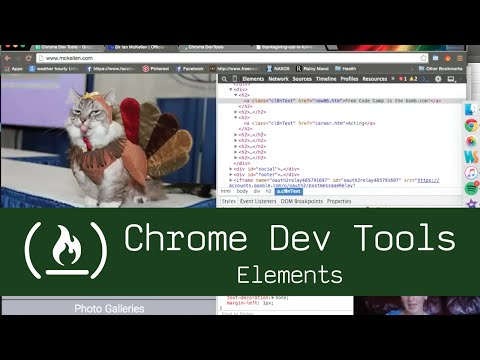
Info and mini-lesson on the Elements tab of Chrome Dev Tools. Check out more in-depth documentation here: https://developers.google.com/web/tools/iterate/inspect-styles/basics We will be using the webpage http://www.mckellen.com/ per suggestion of Free Code Camp user kmiasko. Please check out the Chrome Dev Tools documentation at https://developers.google.com/web/tools/chrome-devtools/ If you right click and select 'Inspect element', you can have access to the elements tab. You can change text, background color, text color, and any other CSS or HTML you'd like! These changes don't set up automatically, so don't use this as an IDE or a place to create or edit anything you want to save. You can set up something called "persistant authoring" to save. Cascade, inherit, and other css rules still apply, so keep that in mind as you play around. Additionally, overridden styles will be shown as having a strike through them. It should also be noted that all of the code you're seeing in this 'tree' is current HTML, not original onload. If you use javascript or jquery to change something, it will be updated on this tree. Padding, border, and margins are easily inspected and edited using the colorful box on the right or bottom side. ❤️ Support for this channel comes from our friends at Scrimba – the coding platform that's reinvented interactive learning: https://scrimba.com/freecodecamp

Continue this lesson in the app
Install CourseHive on Android or iOS to keep learning while you move.




