
Summary
Keywords
Full Transcript
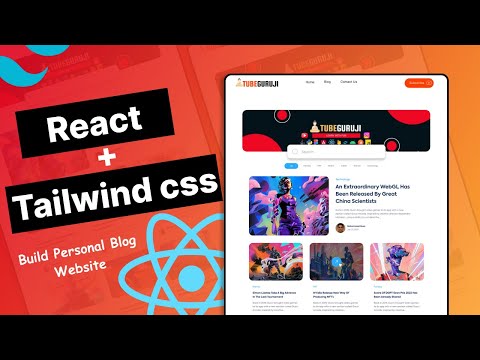
In this video, we will learn how to build a blog using React and Tailwind CSS. Tailwind CSS is a utility-first CSS framework that makes it easy to style your React components. We will start by creating a new React project and installing Tailwind CSS. Then, we will create a blog post component and a blog list component. Finally, we will render the blog list component in the App component. By the end of this video, you will have learned how to build a simple blog using React and Tailwind CSS 👉Source Code Github : https://github.com/rrs301/personal-blog-react 👉Hostinger Hosting Service: https://hostinger.com?REFERRALCODE=1GAME84 🔴Follow us on Instagram: https://www.instagram.com/tubeguruji/ 🔴Telegram Channel: https://t.me/tubeguruji 🔴Subscribe TubeGuruji Channel : https://www.youtube.com/@tubeguruji 🔴Buy Me a Coffee: https://www.buymeacoffee.com/tubegurujiw ▬ Contents of this video ▬▬▬▬▬▬▬▬▬▬ 00:00 - Intro 02:06 - Create React+Vite App 05:12 - Install Tailwind css 07:39 - Project Folder Setup 13:13 - Header 20:43 - Search Section 36:01 - Fetch Data From API 42:12 - Intro Post 51:39 - Display All Blog 59:55 - Part 2 Content (Part 1 End)

Continue this lesson in the app
Install CourseHive on Android or iOS to keep learning while you move.




