
Summary
Keywords
Full Transcript
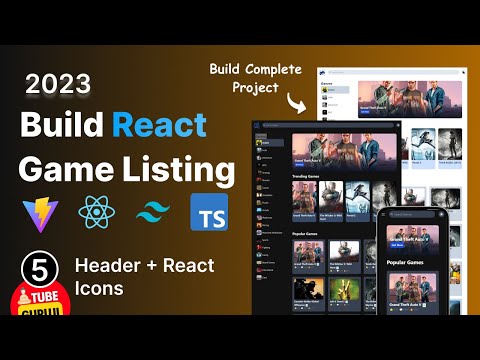
In this video, we'll build the header for our game listing app. We'll start by creating a new component for the header. Then, we'll add some styling to the header using Tailwind CSS. Finally, we'll add some functionality to the header, such as a search bar and a button to go to the home page. We will be using React Js to build the components of our app, including the header section. We will also be using Tailwind CSS to style our app, making it look modern and professional. To speed up our development process, we will be using Vite as our build tool. By the end of this tutorial, you will have a basic understanding of how to build a game listing app using React Js, Tailwind CSS, and Vite. You will also have a fully functional header section that you can customize to your liking. Whether you are a beginner or an experienced developer, this tutorial will provide you with valuable insights and tips on building apps using these popular technologies. So, let's get started and build our game listing app with React Js, Tailwind CSS, and Vite Build and deploy Full Stack Hulu clone using React Js, Vite, Tailwind Css, TMDB, Vercel 2023: https://youtu.be/8ayGzdTrars React Tailwind css Tutorial for Beginners | Build and Deploy Complete Responsive website🔴 Watch Full Video 👇🏻 https://youtu.be/1d4v3644nCs React Tailwind css Beginner Tutorial |Build Complete Portfolio Website https://youtu.be/nXyQYpalYgg Learn React Native in 2 hours for beginners: build a video streaming app https://youtu.be/xMtTnGCZSx8 Follow us on Instagram: https://www.instagram.com/tubegurujiS... Telegram Channel: https://t.me/tubeguruji Subscribe TubeGuruji Channel : https://www.youtube.com/@tubeguruji Thanks for watching! #reactjs #react #tailwindcss #vite #reacticons

Continue this lesson in the app
Install CourseHive on Android or iOS to keep learning while you move.




