
Summary
Keywords
Full Transcript
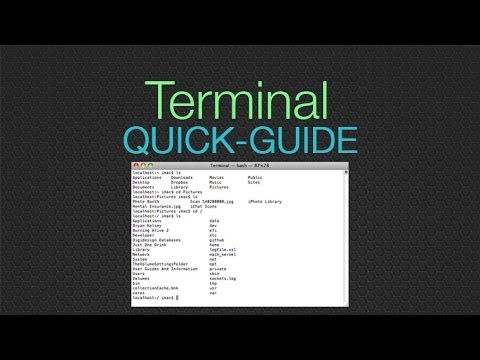
Freak out no more...here's how to use the terminal/command line! Using the terminal is EASY, and more importantly, it's a HUGE part of being a web developer these days. If you avoid the terminal, it will only hold you back. This tutorial will teach you how to use the command line in a few easy steps. You'll be comfortable in no time. ls - list files cd {directory name} - change directory cd / - go to root (top) directory cd ~ - go to user home directory cd .. - go up a level mkdir {file name} - make a directory touch {filename} - create an empty file rm {filename} - remove a file rm -r {directory name} - remove a directory and all files within mv {filename} {new filename} - rename a file or folder open {filename} - open file in default program open {filename} -a "{program name}" - open file in specific application open . - open current directory HOT KEYS Command+k - clear the terminal screen Tab - autocomplete (if more than one files match, nothing happens, you will need to add more characters) Up/Down Arrows - previous commands -~-~~-~~~-~~-~- Also watch: "Responsive Design Tutorial - Tips for making web sites look great on any device" https://www.youtube.com/watch?v=fgOO9YUFlGI -~-~~-~~~-~~-~-

Continue this lesson in the app
Install CourseHive on Android or iOS to keep learning while you move.





