
Summary
Keywords
Full Transcript
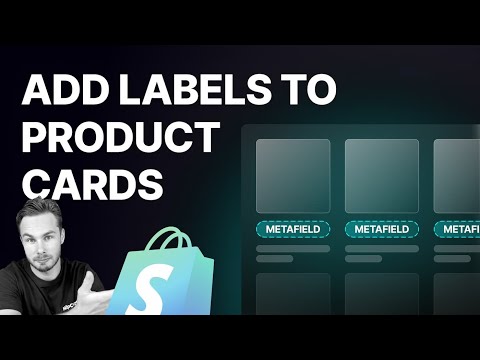
Grab the code - https://ed.codes/blog/display-metafields-in-product-cards Sometimes you need to show product specs or a subtitle on the collection page product grid. Here's how to do that in Dawn theme. 📢 STAY UPDATED Subscribe to my newsletter: https://ed.codes/newsletter Youtube won’t always show you my latest videos, subscribe to be notified and see other content that I don't post on Youtube. 🙏 SUPPORT THE CHANNEL ON PATREON Request and vote on videos, get discounts, and be listed as a community member. https://www.patreon.com/EdCodes 📚 MY SHOPIFY CODING EBOOK https://ed.codes/shopify-coding-handbook Learn HTML, CSS and Shopify Liquid from the beginning and specifically for Shopify. 👨🏼💻 WHO AM I? Hey! My name is Eduard. I teach the tech side of starting and running a Shopify store. I'm a professional web developer, but my goal is to make Shopify easy with simple and straight-to-the-point videos. Visit my website: https://ed.codes Join "Shopify DIY" on Discord Chat with me and other store owners and developers: https://ed.codes/community 🛠 CODE SHOP https://ed.codes/shop Pre-built sections & features for Shopify 2.0 themes, often replacing the need for apps. Copy and paste the code into your theme. 👍 MY FAVOURITE APPS & THEMES https://ed.codes/tools ⏭ CHAPTERS 00:00 Intro 01:27 Get set up 02:19 Finding the code to edit 07:04 Create a Metafield 08:11 Output the Metafield 10:20 Use your theme's styling 12:49 Hide on other products 13:45 Adding theme settings 16:48 Final code 17:40 Patreon #Shopify #Liquid #Metafields

Continue this lesson in the app
Install CourseHive on Android or iOS to keep learning while you move.



![Shopify Tutorial for Beginners | Learn Shopify in Hindi [Full Course]](https://i.ytimg.com/vi/7cx15NZmGO4/hqdefault.jpg)

