Summary
Keywords
Full Transcript
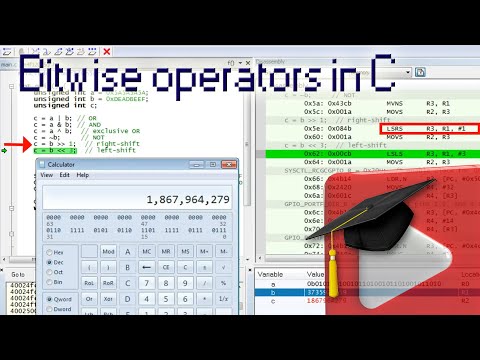
Embedded Systems Programming Lesson-6 shows how to set, clear, toggle, and shift individual bits by means of the bit-wise operators in C. The lesson starts with explaining why you need to manipulate individual bits in the GPIOF DATA register to blink various colors of the composite LED on the Launchpad board. Next, you learn how all six C bit-wise operators work. You learn about bit-wise OR, bit-wise AND, bit-wise exclusive-OR, the one's complement operator, the right bit-shift, and left bit-shift. Next, you step into the debugger and see all these operators in action and you actually learn about the ARM instructions: ORR, AND, EOR, MVN, LSR, and LSR. Next, you learn about the differences between right-shifting unsigned and signed numbers. You perform additional experiments with right-shifting positive and negative signed numbers. At the disassembly level, you learn about the ASR instruction (arithmetic shift), which performs sign-extension of signed numbers in the 2-s complement representation. Next, you apply the knowledge to blink the red LED while keeping the blue LED turned on all the time. You also improve the readability of your code by applying macros that use bit shifts. The next lesson will answer several questions about the Stellaris GPIO DATA registers, which demonstrates another, hardware-assisted way of manipulating whole groups of bits. Stay tuned... ------ Resources: Companion web page for this video course: https://www.state-machine.com/quickstart GitHub repository for projects for this video course: https://github.com/QuantumLeaps/modern-embedded-programming-course YouTube playlist of the course: https://www.youtube.com/playlist?list=PLPW8O6W-1chwyTzI3BHwBLbGQoPFxPAPM

Continue this lesson in the app
Install CourseHive on Android or iOS to keep learning while you move.