
Summary
Full Transcript
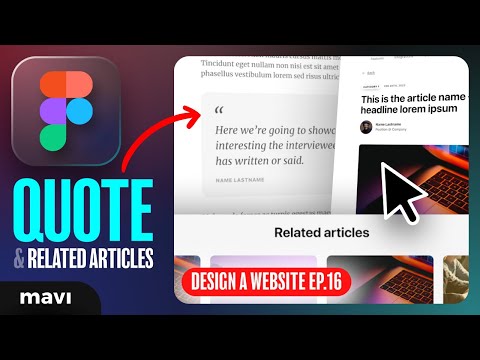
Get the SOURCE FILES for this project ($14.99): https://payhip.com/b/uyMWL Visit my STORE: https://bit.ly/mavi-design-store Explore Mavi Design COURSES : https://bit.ly/mavi-design-courses FREE FIGMA COURSE / SERIES: Design a Website in Figma: https://youtube.com/playlist?list=PLCUPtxXqnWn0AMIjZmNdkrzWVjLHOW2NT In the sixteenth episode of Designing a Website in Figma”, we’re going to finalize our blog article detail page (where your users actually read an article). We are going to finalize a prototype that has an article quote component + related articles at the bottom. Of course, we’re going to be using a lot of things that we have already created in the previous episodes of this series, so if you feel lost, as usual, check the playlist linked above. We will be using components, component properties, auto layout to finalize this result and broaden our design system that we have been creating over the course of this ux / ui web design course. This is an in-depth explanation tutorial with examples, making it great for beginners How to design a blog article page for a website in figma – including article quote / highlight and a “related articles” section – how to design a website in figma – prototyping UX / UI tutorial for beginners ———————— © 2023 Mavi Design

Continue this lesson in the app
Install CourseHive on Android or iOS to keep learning while you move.




