
Summary
Keywords
Full Transcript
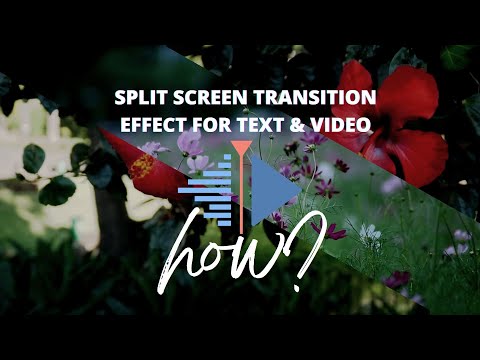
#SplitscreenTransition #titlesVideos #kdenlive Hi friends Steve here again with another video. This time we take a look at how we can be able to create split screen transition for text and videos in Kdenlive. So follow along as we look at how we can use it or use the time stamp below to jump to each sections. Timestamp 00:00 Introduction and examples 00:17 Adding Clips and Titles 01:10 Adding Rotoscope Mask to text Clips 01:37 Using Rotoscope Mask to split the text 04:11 Applying Transform effect 06:08 Saving Split Screen Transition as presets 06:40 Split Screen Transition for videos 07:30 Adding rotoscoping mask to video 07:40 Using Rotoscope Mask to split the video 08:51 Adding Transform effect 09:07 Adding Keyframes 10:32 Conclusion Videos editors use; Kdenlive https://kdenlive.org/en/download/ DaVinci Resolve 17 https://www.blackmagicdesign.com Music use in Video https://tunetank.com tunetank.com_3776_beautiful-journey_by_vensadams tunetank.com_3171_falling-leaves_by_artem-kucherov Check my other video on how to import LUT to Kdenlive Link to my free LUT created in DaVinci Resolve 17 if you are interested; https://dl.orangedox.com/MyLUTPackfree4U

Continue this lesson in the app
Install CourseHive on Android or iOS to keep learning while you move.





