
Summary
Keywords
Full Transcript
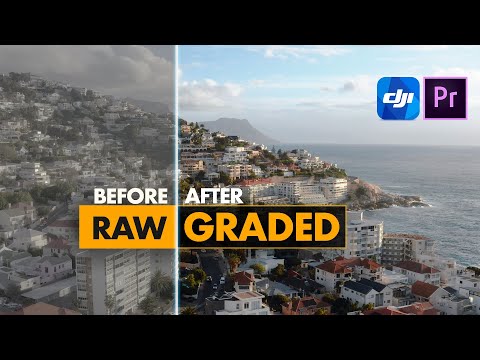
Download & get the LUTs used here https://spectrumgrades.com/pages/dji-mavic-2-pro-zoom-luts-presets-best-cinematic-look Thank you for watching... Subscribe, share and throw a thumbs up (it helps) and do ask questions in the comments below. I will be happy to answer as best as I can :) Do ask questions in the comments below. I will be happy to answer as best as I can... Learn A Technique /Tutorial For The Dji Mavic Pro, On How To Get A Professional Polished & Cinematic Color Correct Grade For Your Footage. If followed correctly, these tips and tricks can help get a filmic look very easily and can be applied to other footage such as the inspire and the phantom 4 pro etc. You will see and review the before and after results in the tutorial video. Ideal best camera settings: 1) 2.7k is better vs 4k. There are many reviews explaining why its better. 2) D-log picture profile - it has the most dynamic range to work with 3) 25P - less compression per second vs 30P 4) Sharpness +1 for denoising / noise reduction (0 or less is too blurry/ muddy) -3 contrast / 0 Saturation 5) iso 100 - try keep it as low as possible as it introduces noise 6) Color presets / Luts and noise profile used from SpectrumGrades

Continue this lesson in the app
Install CourseHive on Android or iOS to keep learning while you move.




