
Summary
Keywords
Full Transcript
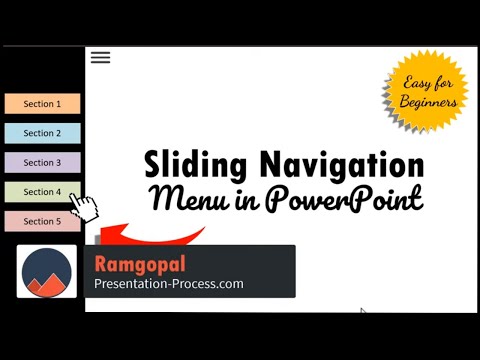
Learn how to create a Sliding Navigation Menu in PowerPoint with this step by step video. You can use this to create any kind of kiosk presentation, training or client presentations that you wish to share with your audience. This tutorial can be followed in any version of PowerPoint. This tutorial video covers: 00:00 What does a Sliding Navigation Menu look like? 01:57 Start of tutorial to create the main menu with different sections 04:01 How to create the Menu Icon with 3 bars for navigation 05:15 Adding custom animation that activates the menu 07:04 Creating Multiple Sections and assigning section colors 09:17 Creating subtopic slides and navigation 11:30 Adding Hyperlinks to the menu 12:47 Adding Home button in individual slides 13:55 Adding Back to Section link in the subsection slides 18:17 Setting up the presentation as Kiosk 19:10 Link to Comprehensive All In One Bundle 2.0 https://shop.presentation-process.com/p/comprehensive-all-in-one-powerpoint-bundle-2-0 *Link to Ramgopals PowerPoint Mastery Program* https://shop.presentation-process.com/p/powerpoint-mastery-2 *Link to 25 Interactive Tabs for PowerPoint* https://shop.presentation-process.com/p/25-interactive-tabs-for-powerpoint Link to 25 Creative Ideas Free e-course https://www.presentation-process.com/25-creative-presentation-ideas-mini-training.html #ramgopalppt The PowerPoint Templates showcased in this video can be used in any version of PowerPoint 2010, 2013, 2016 or 2019. The video is created in PowerPoint on Office 365 by Ramgopal.

Continue this lesson in the app
Install CourseHive on Android or iOS to keep learning while you move.




![SEO Course [2026 Updated]](https://i.ytimg.com/vi/HeeUHugrG5U/hqdefault.jpg)
