
Summary
Keywords
Full Transcript
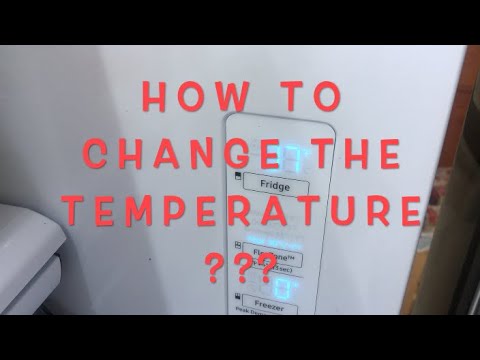
I thought I make this video to answer a number of questions on how to change the temperature on the Samsung Fridge. The one I have in particular with the French door model that was purchased in 2019. In order to change any of the temperatures or reset the water filter, you'll need to unlock the panel first. The panel is designed to be child-proof so the kid wouldn't be able to change the temperature and spoil the food in the fridge. In this video, I'll show how easy it is to unlock the panel and change the temperature of the main fridge area, 2nd drawer, and freezer as well. The video was filmed on: Model # RF28R7201SR (stainless steel) (Paid links) The filter can be purchased here: Samsung Genuine DA97-17376B Refrigerator Water Filter, 1-Pack https://amzn.to/30c4OXn Please consult your fridge manual for the exact filter to purchase before purchasing. Please help me with a thumbs up if this helped you so other people can see it also. If you like to leave a comment to give suggestions or help others. Thanks for watching in advance.

Continue this lesson in the app
Install CourseHive on Android or iOS to keep learning while you move.

