
Summary
Keywords
Full Transcript
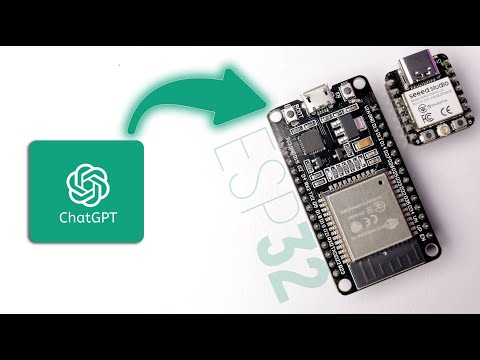
This video will guide you about how to use ChatGPT on any ESP32 based boards. After following this video, you'll be able to ask questions to ESP32 board and it will give response from ChatGPT AI. Basically all this is working on ChatGPT APIs and you can use those APIs with any of microcontroller with Internet connectivity and also you can use this API while making your own applications. You can support me🙏🏻 and also get benefitted on Patreon :- https://www.patreon.com/techiesms ⚡️⚡️ Order all components required for making this project using this single link - https://techiesms.com/product/chatgpt-voice-assistant-components/ To try out free trial version of Altium, click here - https://www.altium.com/yt/techiesms Get the best quality components from Octopart: https://octopart.com/ __________________________________________________________ 👨🏻💻 Important Links 👨🏻💻 [Part2] ChatGPT on ESP32 With Audio Output - https://youtu.be/R-CZLimCcW8 ChatGPT ESP32 Github Repo - https://github.com/limengdu/xiaoesp32c3-chatgpt Postman application - https://www.postman.com/downloads/ __________________________________________________________ Buy the components for your projects and support techiesms💡🔌 ⚡️⚡️ Order all components required for making this project using this single link - https://techiesms.com/product/chatgpt-voice-assistant-components/ Or if you want to order only specific components then here is the list and link, ESP32 Dev board - https://www.techiesms.com/product/esp32-development-board-doit-devkit-v1/ XIAO ESP32C3 board - https://www.techiesms.com/product/seeed-studio-xiao-esp32c3/ __________________________________________________________ ⏱ Time Stamps ⏱ __________________________________________________________ 🎥 🎙 My Video Gear 🎙🎥 Camera - Canon 750d Lens - 50mm f/1.8 STM Lens (https://amzn.to/32gqnsi), 24mm f/2.6 Key Light - Godox SL60W (https://amzn.to/3522mHe) Fill Light/Back Light - Osaka Lightning Setup (https://amzn.to/2I5cdDi) Tripod - https://amzn.to/3uNhC4H Microphone - Zoom H1N(https://amzn.to/3Osh12A) Editing - Final Cut Pro X on MacBook Pro ( https://amzn.to/3vHcSyJ ) __________________________________________________________ Get connected with techiesms everywhere.. Subscribe Main Channel :- http://bit.ly/techiesms_youtube Subscribe Shorts Channel :- https://bit.ly/techiesms_shorts Facebook :- http://www.facebook.com/techiesms Twitter :- http://www.twitter.com/imtechiesms Instagram :- https://www.instagram.com/techiesms/ Website :- http://www.techiesms.com Telegram - @techiesms __________________________________________________________ techiesms explore | learn | share

Continue this lesson in the app
Install CourseHive on Android or iOS to keep learning while you move.

